Frequently Bought Together for Shopify
The Amazon playbook, on your store. Show shoppers the products that go together and let them add the whole set to cart in one click.
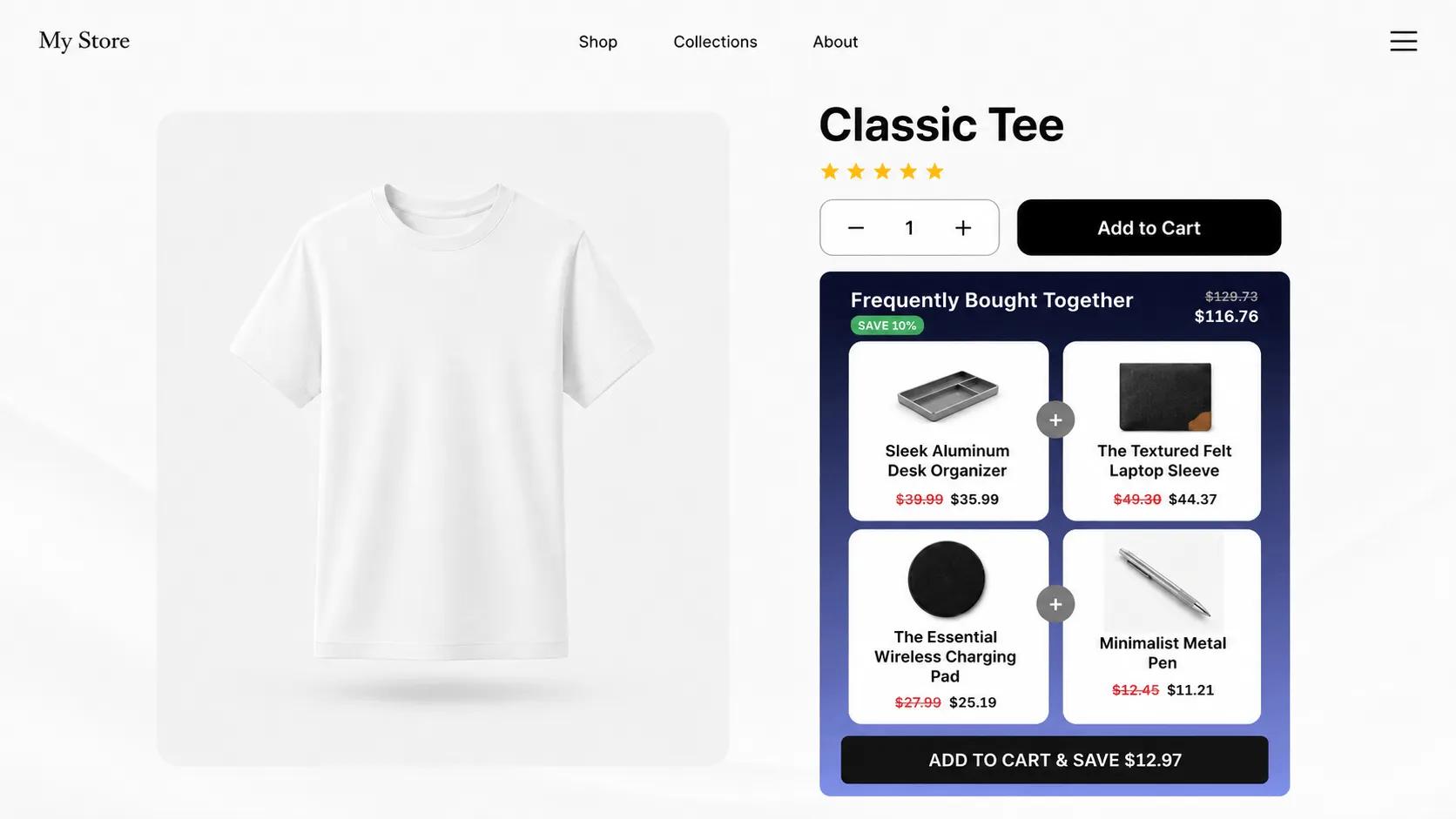
What is Frequently Bought Together?
Frequently Bought Together is a product-page widget that shows the item being viewed alongside one or two common companions, with a combined price and a single button to add everything at once. Amazon made the pattern famous, and it converts because it answers a question the shopper was already asking: "what else do I need with this?"
With V Bundles you curate the combinations yourself, so the pairings always make sense for your catalog and margins. Add a bundle discount to the set and the one-click convenience gets a financial reason on top.
What you can do with Frequently Bought Together
One-click set purchase
The whole combination goes to cart with a single click, removing every extra step between intent and checkout.
Curated combinations
You pick which products pair together, keeping recommendations relevant and margins protected.
Combined-price anchoring
Showing the set total with the saving makes the bundle feel like the default way to buy.
Proven pattern shoppers trust
Customers already know this widget from the biggest stores on the internet, so there is nothing to learn.
How to set up Frequently Bought Together in V Bundles
- 1
Install V Bundles
Install V Bundles from the Shopify App Store and open it from your Shopify admin.
- 2
Create a bundle upsell
Click Create Bundle and choose the multi-product bundle template to combine different products into one offer.
- 3
Build the combination
Start from a popular anchor product and add 1 or 2 companions that customers genuinely buy with it. Check your order history for real pairings.
- 4
Add a set discount
Give the combination a small saving over buying separately so the set price anchors the decision.
- 5
Style and publish
Choose a Frequently Bought Together layout from the theme gallery, preview, and publish.
Step-by-step guides
Related features
All featuresUpsell & Cross-sell
Show upsell and cross-sell offers on Shopify product pages to raise average order value.
Learn moreProduct Add-ons
Sell product add-ons on Shopify: one-tick extras like gift wrap, warranties, and accessories.
Learn moreFixed Bundles
Create fixed product bundles on Shopify: curated sets like kits and routines sold at one bundle price.
Learn more